
Quickstart
Create an account, bind a platform, mint a link, and resolve on first open.
https://taqlyn.com/shop/checkout?cartId=cart_9841&promo=WELCOME20&aff=partner_8Go from a new workspace to a deferred open in your app. Stop after step 5 if you only need website short links.
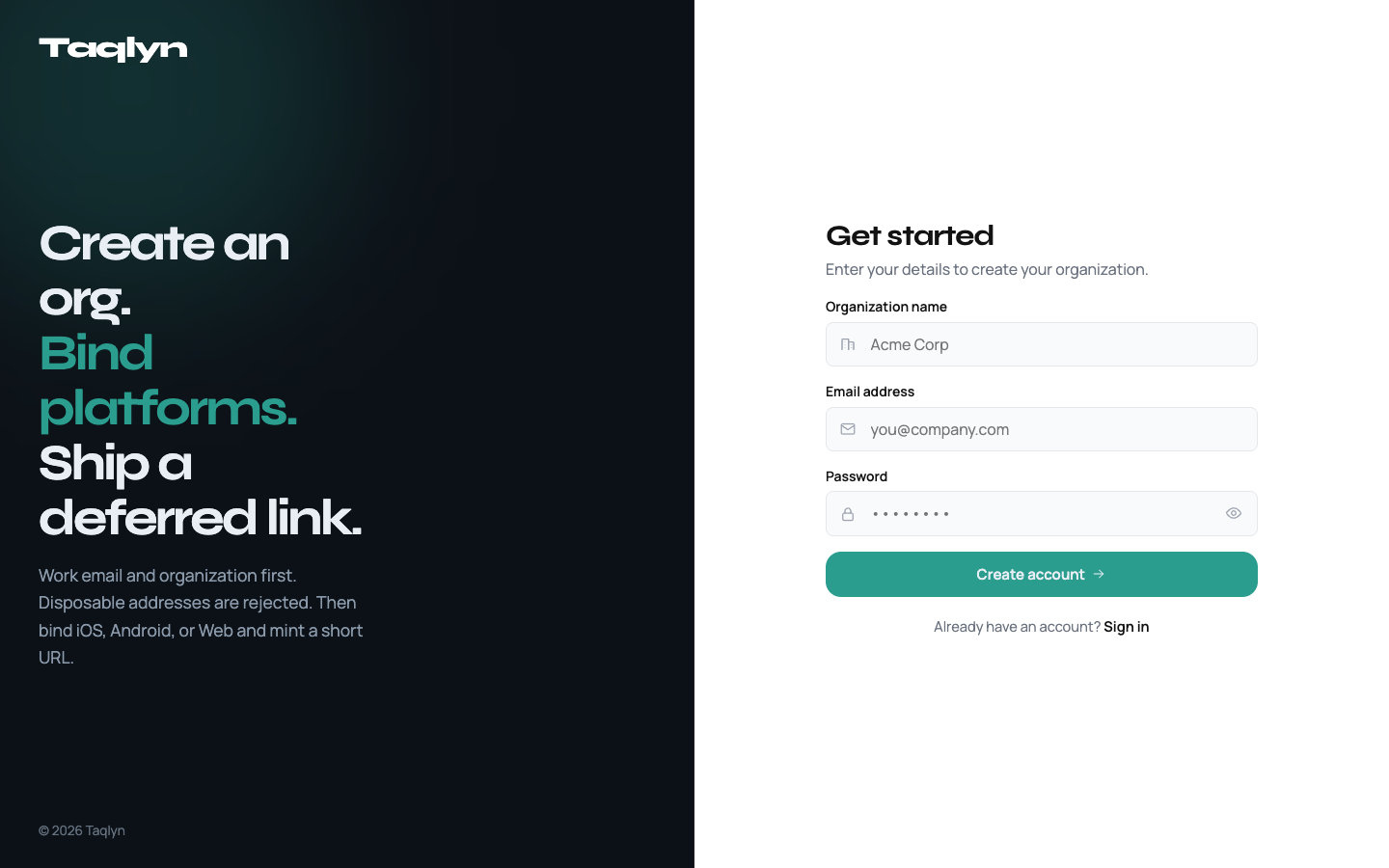
#1. Create an account
On the Taqlyn site, choose Get started. Use a real mailbox, verify the email, then open the dashboard.
Forgot the password? Use Forgot password on the same site.
#2. Create an app
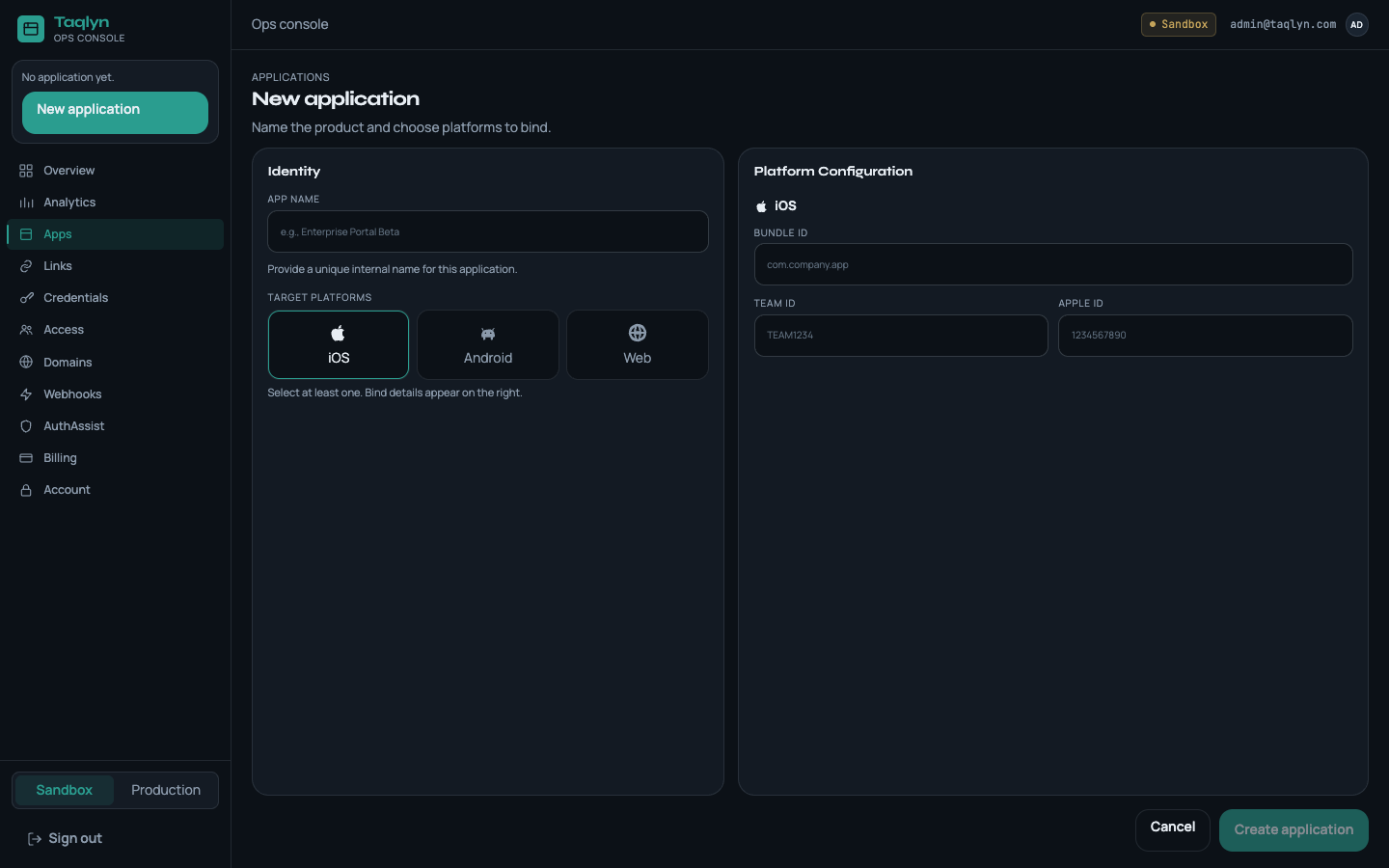
Dashboard → Apps → New. Name the app and choose iOS, Android, and/or Web. Sandbox and production each have their own credentials and link host.
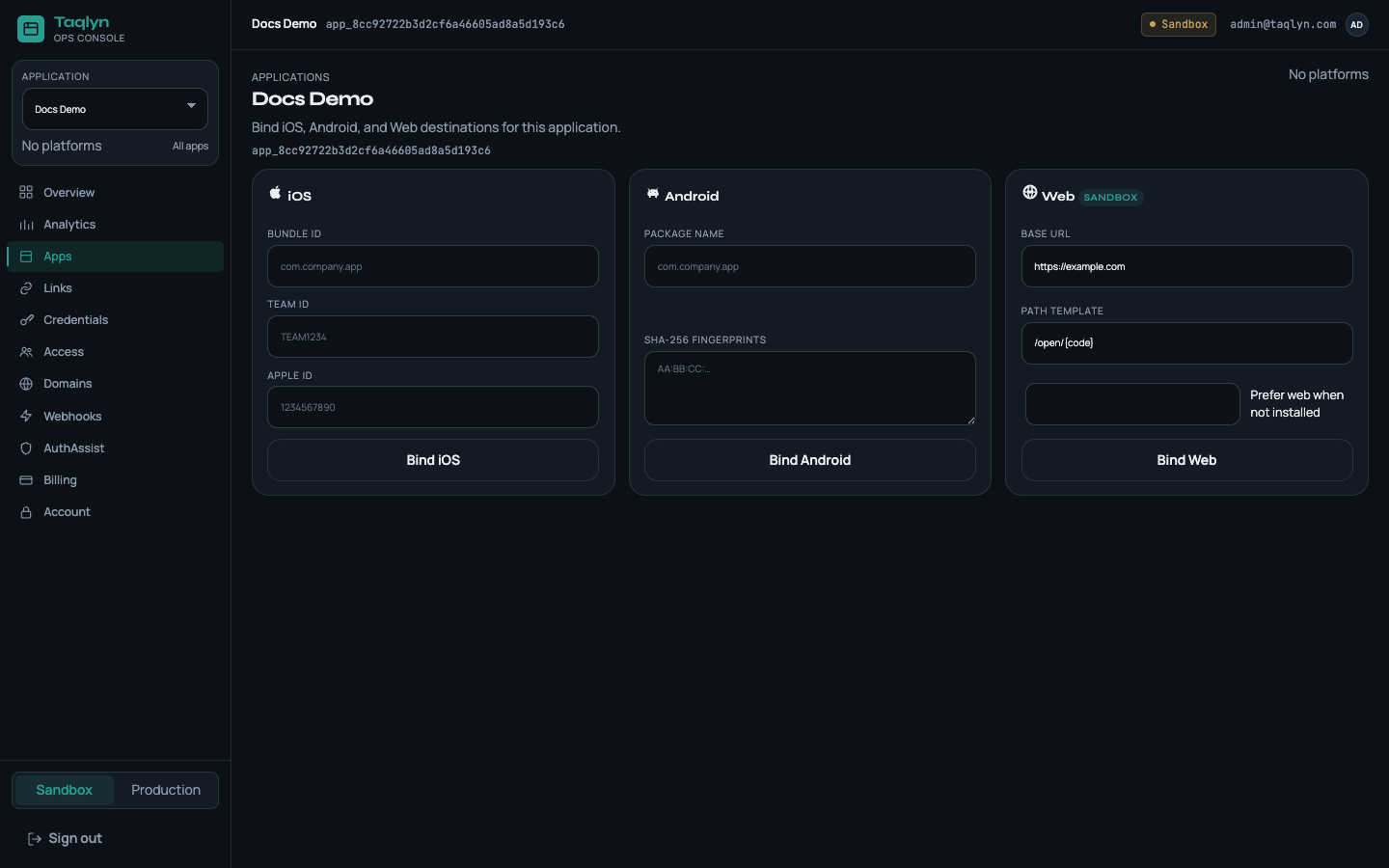
#3. Bind the platform
| Platform | You provide |
|---|---|
| Android | Package name + SHA-256 fingerprints (upload key and Play App Signing) |
| iOS | Bundle ID, Team ID, numeric Apple App ID |
| Web | Site origin, how in-app paths map to URLs |
Taqlyn assigns a link host for that app and environment. Use your own hostname later with custom domains.
#4. Copy sandbox credentials
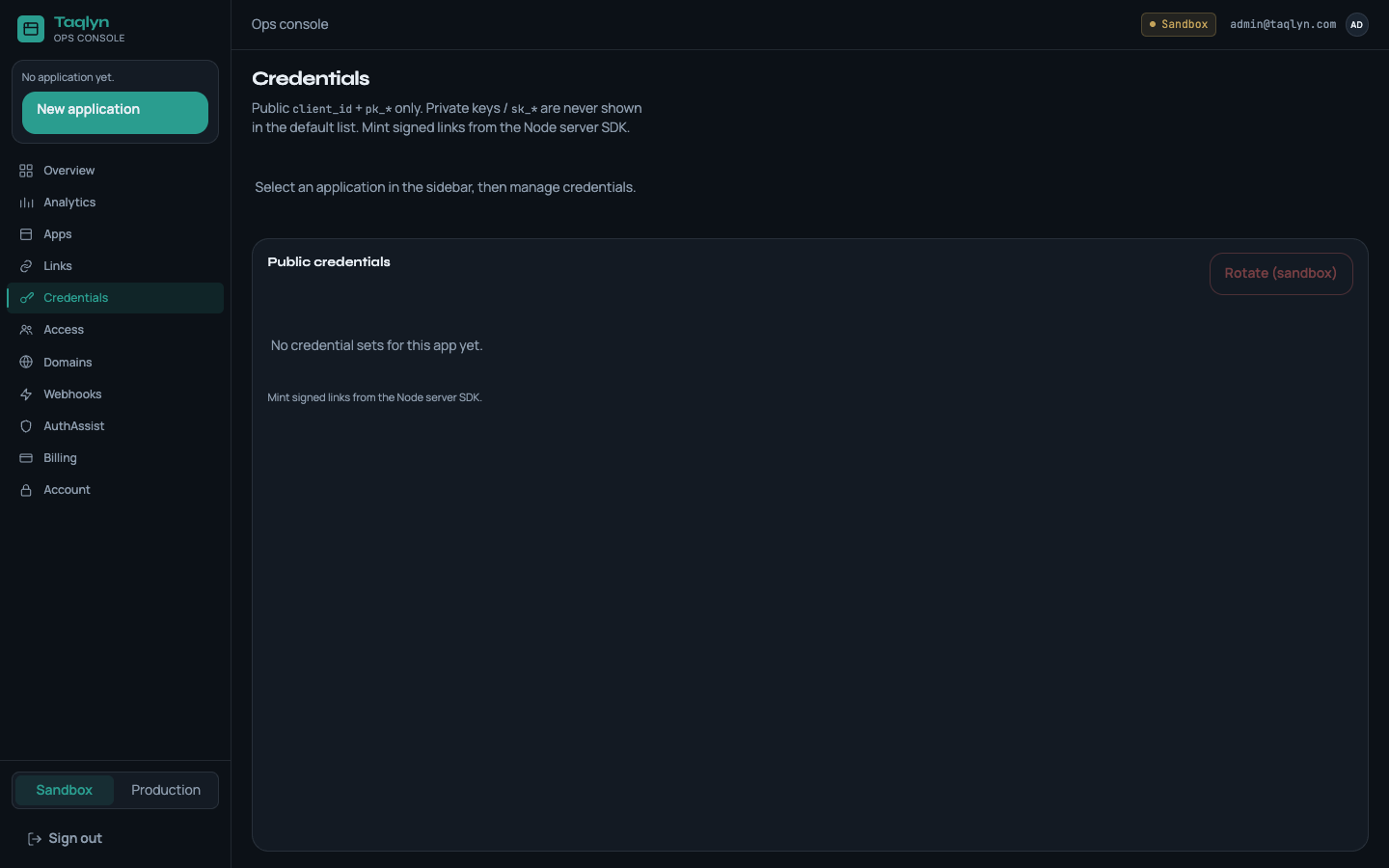
Dashboard → Credentials. Rotate sandbox if you need a new key. You will see:
client_id(app_test_…orapp_live_…) — mobile and serverpublic_key_id(pk_test_…) — mobile only- private PEM once — server only (owner / admin / developer)
#5. Create a link
In Dashboard → Links, or from your backend with a server SDK:
import { TaqlynClient } from "@taqlyn/sdk-node";

const client = new TaqlynClient({
  baseUrl: process.env.TAQLYN_BASE_URL,
  clientId: process.env.TAQLYN_CLIENT_ID,
  privateKey: process.env.TAQLYN_PRIVATE_KEY,
});

const link = await client.createShortLink({
  destinationWeb: "https://example.com/offer",
  destinationPath: "/offer",
  params: { sku: "123" },
  mode: "deferred_app",
});
Share link.shortUrl (campaigns, QR, ads). Do not share only the long website URL if you need a deferred match.
#6. Resolve in the app
Configure the mobile SDK with clientId + publicKeyId. After splash and sign-in:
resolveDeferred()setReadyForNavigation(true)when your navigator is on screen- Map
path/paramsto a route, thenconsume(linkId)
Guides: Android · iOS · React Native · Flutter.
Optional next: turn on 2FA · dashboard map.