
Account
Password, authenticator, and passkeys.
LIVE SPECIMEN
Universal & Deferred Link SimulatorURL
https://taqlyn.com/shop/checkout?cartId=cart_9841&promo=WELCOME20&aff=partner_8Dashboard → Account.
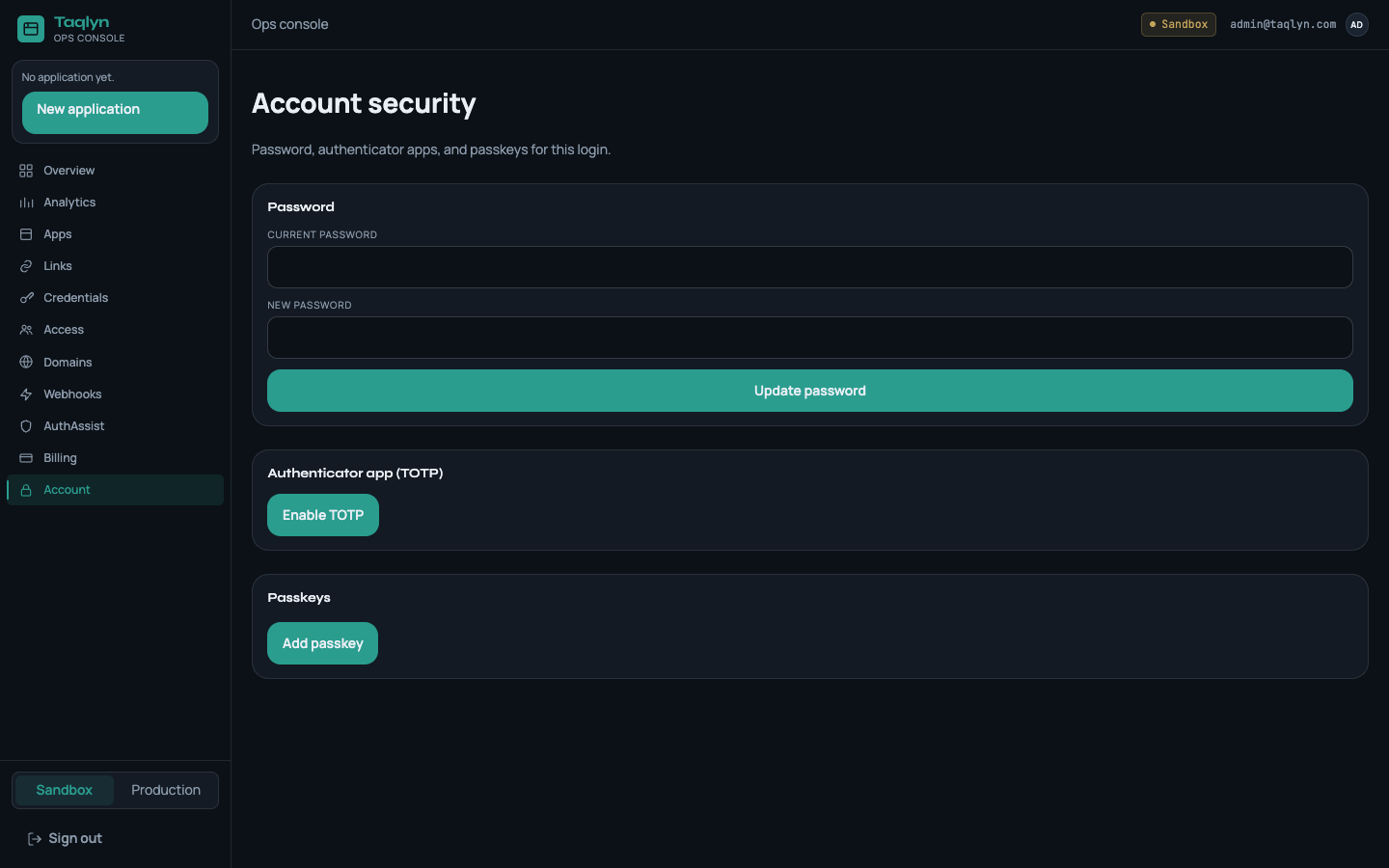
#Password
Change it here. You will need the current password.
#Authenticator
- Begin enroll and scan the QR in an authenticator app.
- Confirm with a 6-digit code.
- Save backup codes if shown.
The next login asks for the code after the password.
#Passkeys
Register a passkey from Account (name the device). You can keep an authenticator as well. Sign in with Sign in with passkey, or use a passkey as the second factor after password.
More detail: Sign-in security.