
Console overview
What each dashboard screen is for.
LIVE SPECIMEN
Universal & Deferred Link SimulatorURL
https://taqlyn.com/shop/checkout?cartId=cart_9841&promo=WELCOME20&aff=partner_8After you sign in on the Taqlyn site, you work in the dashboard. Use this map to find the right screen.
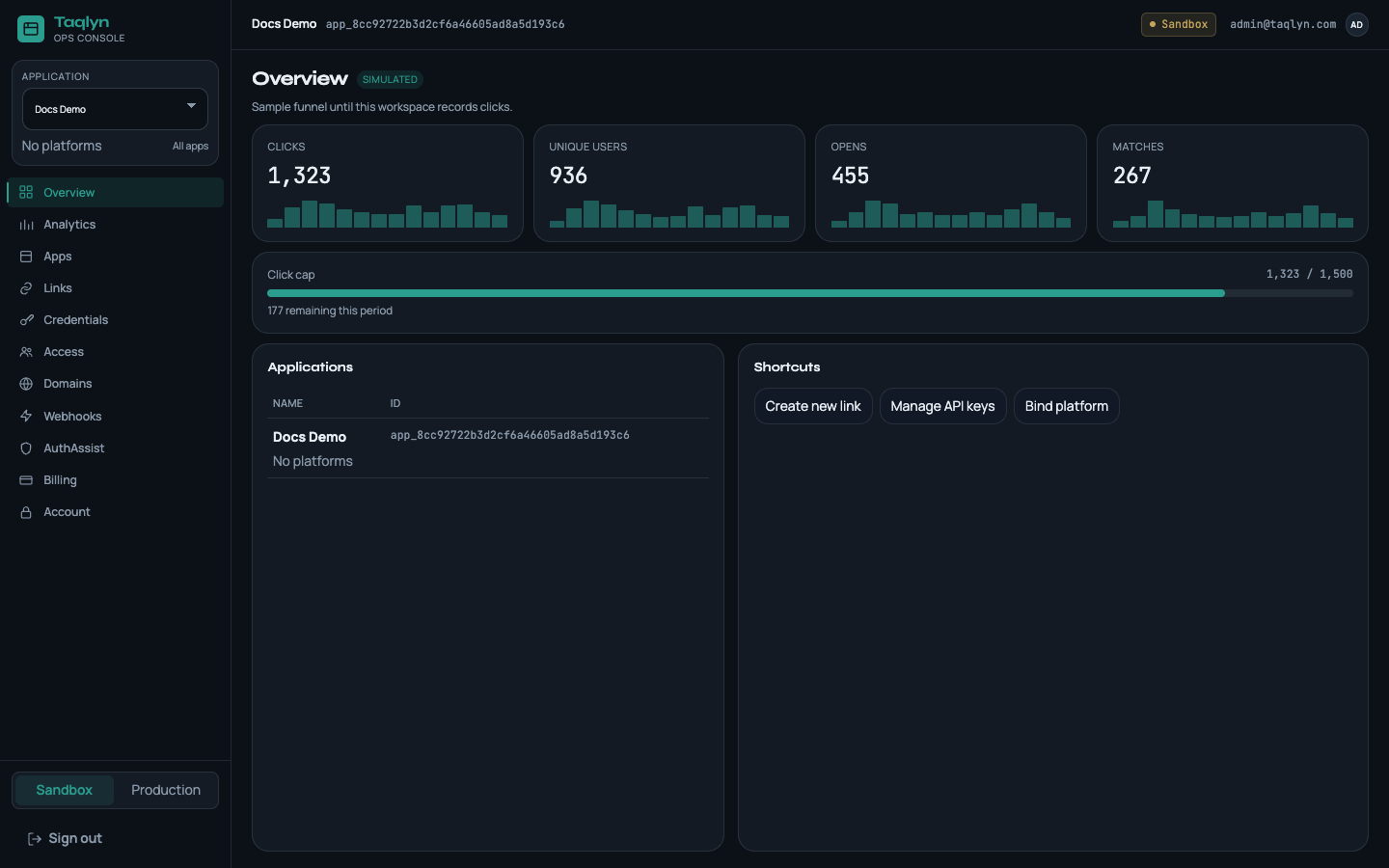
| Screen | Purpose |
|---|---|
| Apps | Create an app and bind iOS, Android, and Web |
| Links | Create and edit short links without a private key |
| Credentials | Copy client_id, public_key_id, and the server PEM |
| Access | Invite teammates and assign roles |
| Domains | Platform hosts and your branded hostname |
| Webhooks | Notify your backend when clicks and matches happen |
| AuthAssist | Firebase email-link sign-in next to Taqlyn links |
| Analytics | Clicks, opens, and matches |
| Billing | Plan, usage, upgrade, and cancel |
| Account | Password, authenticator, and passkeys |
New workspace? Start with Quickstart.